DBLoader » Use cases » Nightly load of files
Download DBLoader Free Trial » Buy DBLoader Now »
The situation
A nightly job dumps exports into a folder - from an ERP, a shop, a meter or an upstream system - and by the time anyone looks, those files should already be rows in the database. Nobody wants to log in at midnight to click through an import wizard, and nobody wants to discover at 9 a.m. that a night was skipped.
What you do
- Set the load up once in the GUI - source format, the folder or file, target database, table and column mapping - and save it as a session.
- Run that session from the command line and check the output once by hand.
- Give it to the scheduler: Windows Task Scheduler, cron, or your own pipeline. It runs headless - no window, no clicking.
- Read the log when something looks wrong. Each run says what it read and what it wrote.
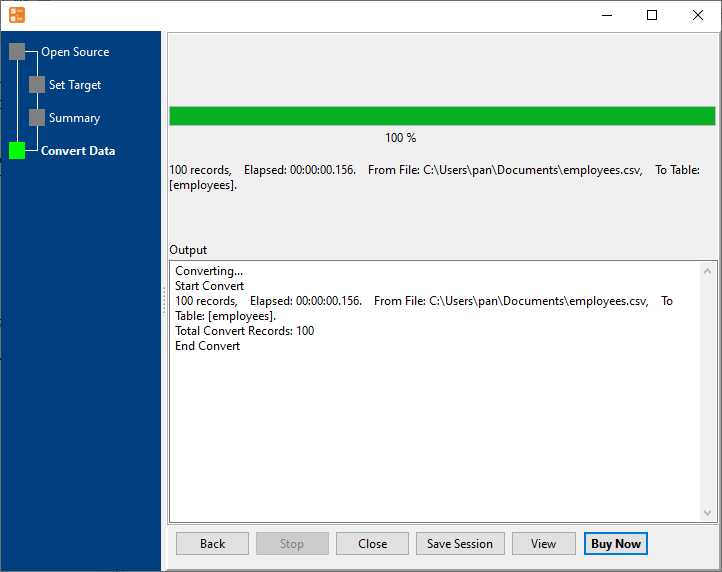
Windows, macOS and Linux are all supported, so the job can live on whichever machine can reach both the folder and the database. Nothing is sent to a cloud service - the machine running the task does the work.
What it will not do
- It is not a scheduler or an orchestrator. DBLoader runs one task when asked. Retries, dependencies and "wait for the file to arrive" are the scheduler's or the script's job.
- It does not know what it loaded last night. There is no built-in memory of processed files, so a file that stays in the folder is loaded again if the task is pointed at the folder again. Move or rename files as part of the job.
- It creates a table, not a schema. Only the columns are created from the file - indexes, primary keys, constraints and defaults are not created for you.
- It does not alert anyone. A failure shows up in the exit code and the log; wiring that into monitoring is a separate step.
Related
The nightly task recipe: command line, saved setup: sessions. The load itself: a folder into one table, a huge CSV. Exporting on a schedule instead: database to Excel or CSV.