LevelDataStudio » Use cases by role » Game modding
Download LevelDataStudio Free Trial » Buy LevelDataStudio Now »
The situation
World saves, inventories and player data live in LevelDB stores. A dedicated editor exists for some games and not for others, and the data underneath is the same regardless - a folder of .ldb files and a write-ahead log, in binary key order.
What you do
- Close the game, then point the tool at the save's LevelDB folder. It opens the store directly, with no conversion step.
- Browse and search the keys, and read a value in the form the bytes deserve: text, JSON, HEX or image. It is the quick way to find out what a key actually holds.
- Edit a value directly, then close the tool so the game can take the lock again and open the save.
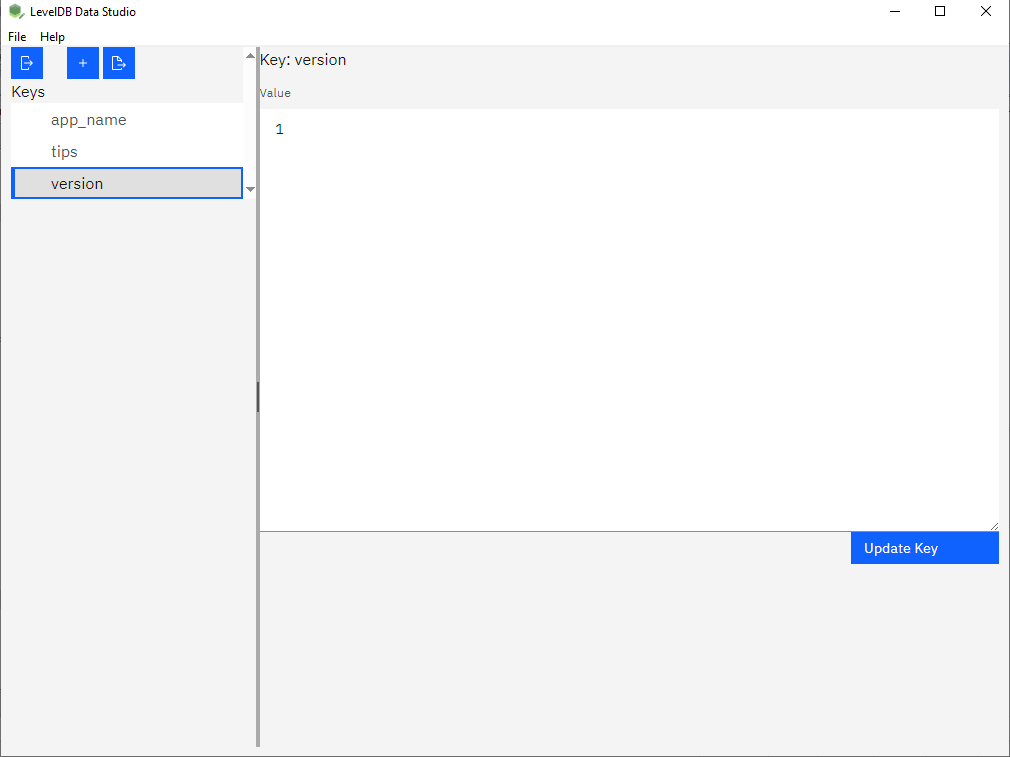
If a general editor is all you need - change one number, add one entry - this does it without a game-specific tool. Working on a copy of the save is a good habit.
What it will not do
- It does not know game-specific formats. A value that is a custom binary structure is shown as bytes, not as a decoded item, chunk or inventory.
- It does not repair a damaged save. Corruption in the store is a different problem.
- There is no undo. A change to a value is written when you commit it.
Related
Changing data: fix one key by hand. Reading first: look inside a LevelDB database. Other roles: use cases by role.