LevelDataStudio » Use cases by role » Digital forensics and incident response
Download LevelDataStudio Free Trial » Buy LevelDataStudio Now »
The situation
The store may be running, the data is evidence, and the values are usually encoded or compressed. Nothing may be written, and every byte may matter. A tool that quietly rewrites the store, or refuses to open it because the owner process holds the lock, is worse than useless here.
What you do
- Open the folder read-only. No lock is taken, so a store that is currently in use can still be read, and the original files are not modified.
- Use the decode chain to unwrap values one layer at a time: Base64, data-URL, gzip, zlib, snappy, hex and URL encoding. A breadcrumb (
Raw › Base64 › gzip) shows how each value got there, and you can stop at any layer. - Switch to the HEX view to check the exact bytes when the byte - not the decoded meaning - is what matters.
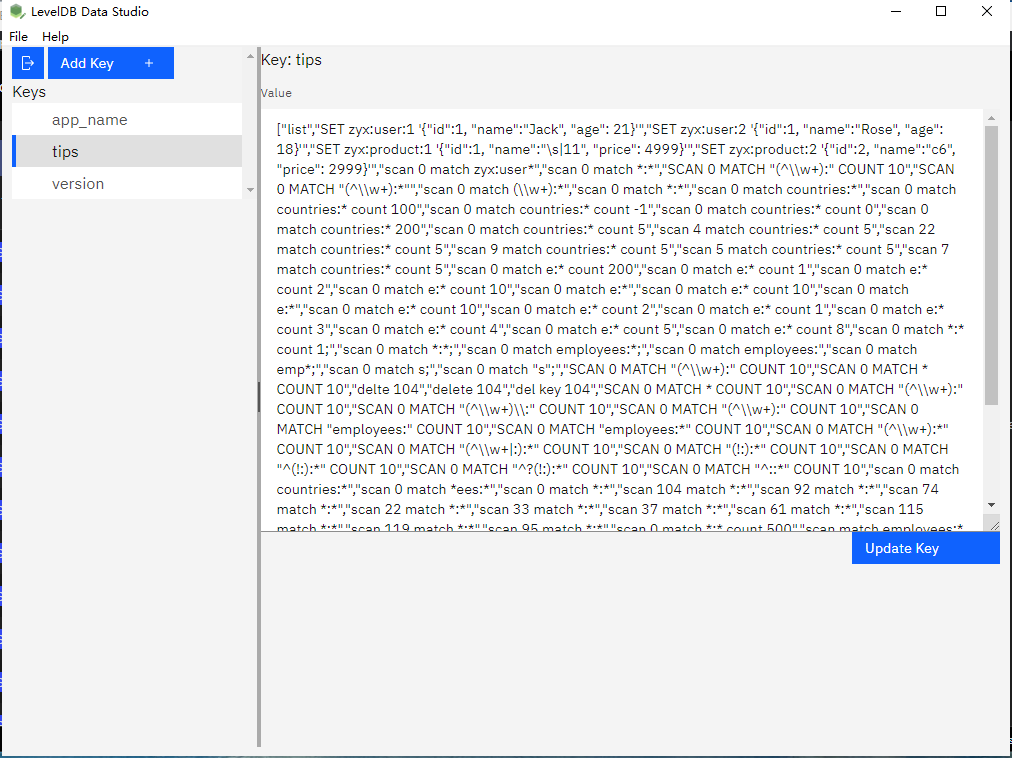
Processing is entirely local: the tool opens the folder on your disk and nothing leaves the machine. Values that look like images are previewed directly; binary values fall back to a HEX dump.
What it will not do
- No hashing, timeline or report export. This is a viewer and editor, not a forensic suite.
- No repair and no automatic backup. Opening a store does not modify it, but there is no write-ahead copy if you do edit a value.
- No lzfse decoding. The decode chain covers the formats listed above, not every compression scheme.
Related
Reading a store: look inside a LevelDB database. Getting data out: export keys for analysis. Other roles: use cases by role.