MongoLoader » Use cases » Clean the data on the way out
Download MongoLoader Free Trial » Buy MongoLoader Now »
The situation
The application does not care that the same customer is in the collection three times, that the dates are stored in three different shapes, or that the phone numbers came in as numbers. The person receiving the export does care, and the loader on the other side cares even more.
Cleaning it in the spreadsheet means the work is repeated every time the export runs - and it is exactly the kind of work somebody forgets.
What you do
- Set the export up as usual - the collection, or a query if the messy rows can be filtered out - and choose the output format.
- Apply the cleaning on the way out: remove duplicates, format dates into one shape, convert data types so numbers and text arrive as the reader expects, and set the validation rules that decide what is written.
- Choose the fields and any format details the target needs - delimiter, sheet name, JSON structure.
- Run, and save it as a session so the cleaning happens identically next time.
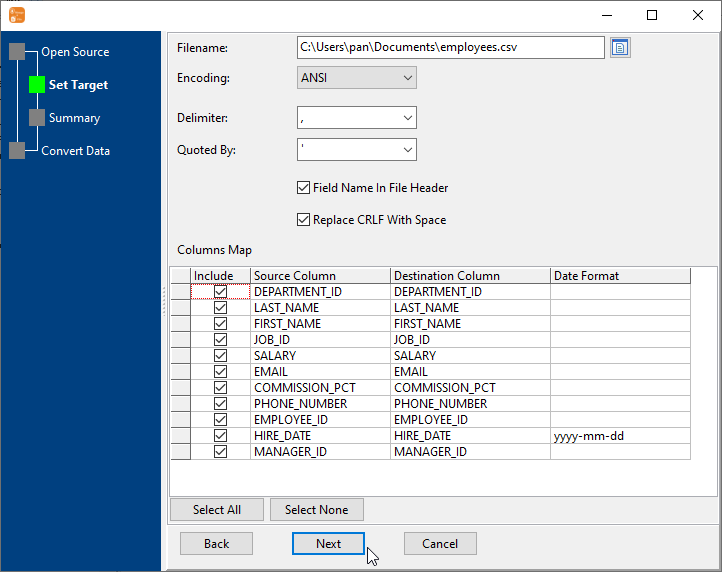
Because the rules live in the task rather than in someone's spreadsheet, the file that arrives downstream is the same shape every week. Batch export applies the same treatment across many collections in one run.
What it will not do
- It is not a general ETL tool. The cleaning is the set of operations offered on the export - de-duplication, date formats, type conversion and validation. Arbitrary business logic, lookups against other collections or multi-step transformations are beyond it.
- It does not fix the source. The collection keeps its duplicates and its mixed date formats. What is cleaned is the file.
- It will not guess which duplicate to keep. De-duplication follows the rule you set; if the "right" row is decided by business context, that decision has to be expressed somehow.
- It does not validate against a formal schema. The rules are the ones configured for the task, not a JSON Schema enforced by the database.
Related
The export itself: collection to file, collections to files, query to file. Going back in afterwards: export, edit, import back. Both directions in one tool: one tool for both directions. Formats: large exports.