LevelDataStudio » Use cases by role » Backend and app developers
Download LevelDataStudio Free Trial » Buy LevelDataStudio Now »
The situation
A service or a desktop application keeps its state in an embedded LevelDB store. You need to check one key, correct one value, or load a batch of test data - and the only tool on hand is a command line, or a small program written for the occasion. The store is binary, the values are raw bytes, and none of that is the actual problem you were working on.
What you do
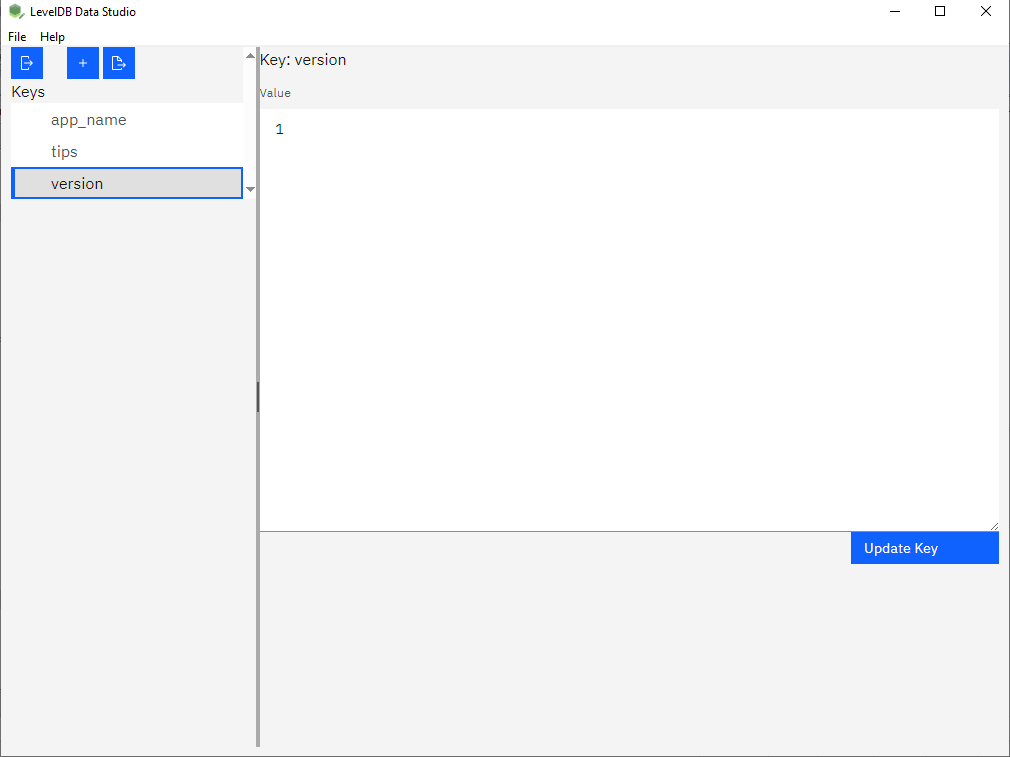
- Point the tool at the folder that holds the database. The keys load in a tree view, with filtering and search, sorted by name.
- Open a key and read its value in the form the bytes deserve: text, JSON, HEX or image. The auto view picks one for you; the other views are one click away.
- Add, edit or delete a key from a form. Or import a folder of values to seed a store, and export a set of keys back out when you need one.
Reading is offline and local. The store is opened read-only, so a database that is currently in use can still be read without taking the lock; write operations open it briefly and report an error rather than failing silently if the lock is held.
What it will not do
- There is no undo and no automatic backup yet. Work on a copy if the store matters.
- It does not understand your application's serialisation. You see bytes as text, JSON, HEX or an image; a protobuf or a proprietary format stays bytes.
- It does not repair a corrupt store. A damaged file is not resurrected by opening it.
Related
Reading a store: look inside a LevelDB database. Changing a value: fix one key by hand. Moving data: load keys into LevelDB, export keys to files. Other roles: use cases by role.